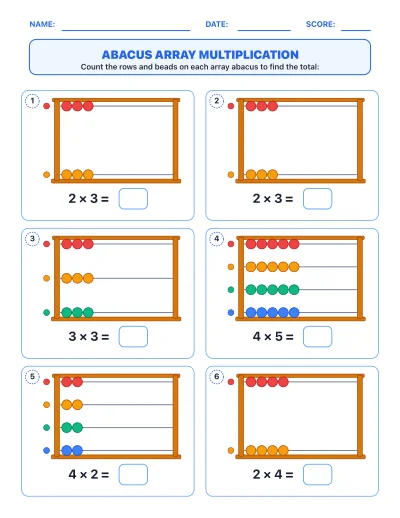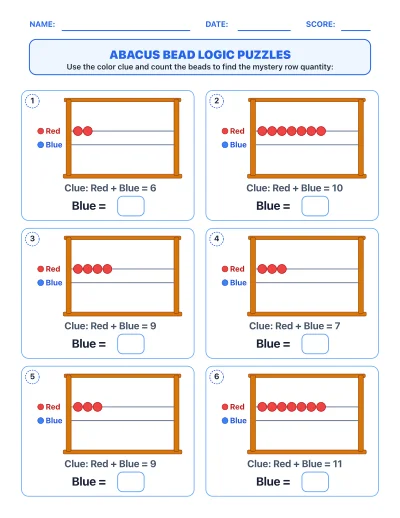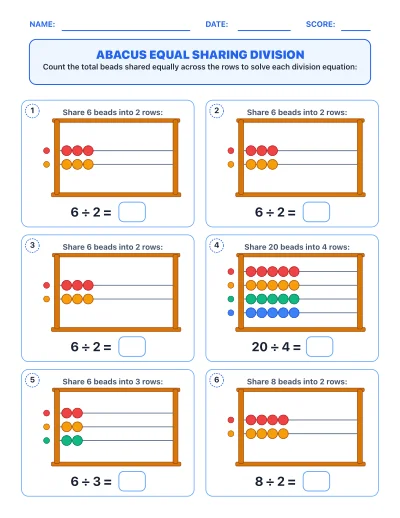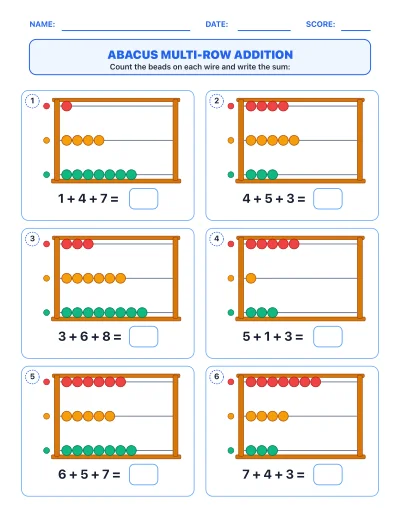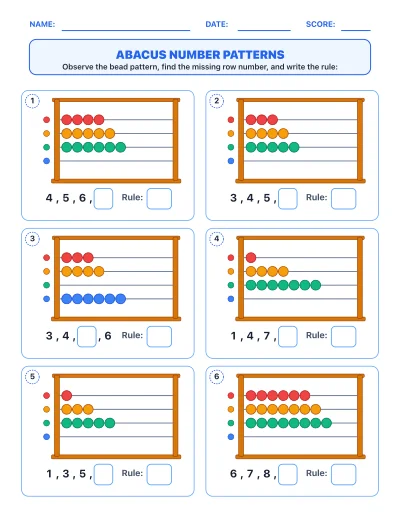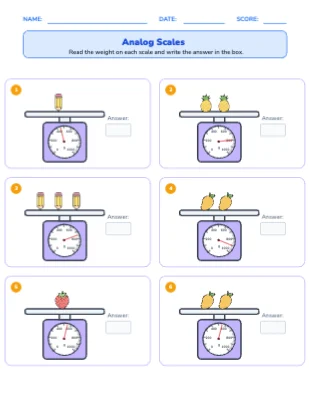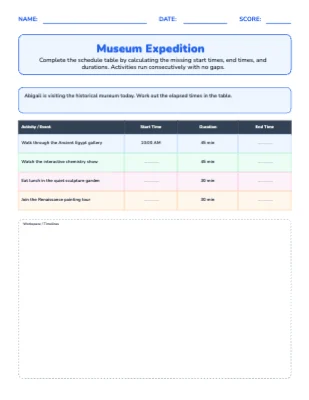
Elapsed Time Scheduler Worksheet Generator
The Elapsed Time Scheduler generator challenges students to plan sequential event schedules by calculating start times, end times, and total durations across multiple activities — just like a real museum itinerary, field trip, or class day plan. Students practise adding and subtracting time intervals in a meaningful context, moving beyond isolated clock problems to full schedule reasoning. Each worksheet features a structured table format with workspace for working out each step. Includes a complete answer key and teacher guide aligned to Grades 3–5.
Grade Levels
What's Included
Curriculum Standards
Tell and write time to the nearest minute and solve word problems involving elapsed time.
Use the four operations to solve word problems involving intervals of time, including expressing measurements given in a larger unit in terms of a smaller unit.
Tell and write time to the nearest minute and measure time intervals in minutes. Solve word problems involving addi…
Use the four operations to solve word problems involving distances, intervals of time, liquid volumes, masses of ob…
Topics
Frequently Asked Questions
Is the Elapsed Time Scheduler worksheet generator free?+
Yes — sign up free and start generating Elapsed Time Scheduler worksheets right away. Paid plans add higher limits and premium features.
Does it include an answer key?+
Yes. Every Elapsed Time Scheduler worksheet is generated together with a matching answer key page, plus a teacher guide with objectives and extension ideas.
What grade levels is the Elapsed Time Scheduler generator for?+
It is designed for Grade 3 – Grade 5. You can adjust the difficulty and options to fit your students.
Can I customize the worksheets?+
Yes — every generated worksheet opens in the built-in editor, so you can change the title, instructions, fonts, colors, and layout before printing.
Can I make more than one version?+
Yes — each generate produces a fresh worksheet, so you can print unlimited unique versions for practice, homework, and assessments.